






If you’ve ever tried to bring your prized blue-switch mechanical keyboard into a shared office space, you likely heard one of two things: the satisfying clack of your keystrokes, or the sigh of every coworker within earshot.
The truth is, mechanical keyboards offer unbeatable typing pleasure, precision, and efficiency, but they also have a reputation for noise.
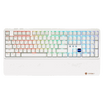
The good news? You absolutely can have the superior feel of a mechanical keyboard without becoming the office's "noise offender." This guide breaks down the sources of keyboard noise and recommends the best gear, including the low-profile, whisper-quiet Hexgears Immersion A3, for a peaceful and productive workspace.
I. The Anatomy of Noise: Why Your Keyboard is Loud
To find the solution, we must first understand the problem. A mechanical keyboard's noise comes from three primary sources:
1. The Switch Action
- Clicky Switches (e.g., Blue/Green): These are the loudest offenders. They have an internal mechanism that creates a deliberate, loud click sound in addition to the tactile bump. These should be avoided in any shared space.
- Bottoming Out: Even non-clicky switches (like Red or Brown) create noise when the internal plastic stem hits the keyboard base (the PCB/plate) at the bottom of the keystroke. This creates a sharp clack or thock.
2. The Stabilizers and Springs
- Rattling (Ping/Rattle): The large keys (Spacebar, Shift, Enter) rely on stabilizers (stabs). If these metal wires are not properly lubricated (or "lubed"), they produce a metallic, high-pitched rattle or ping sound that is incredibly distracting.
3. The Case Resonance
- Hollowness (Echo): When you type, the sound waves bounce around inside the empty plastic case of the keyboard, amplifying the noise and creating a distracting "hollow" or "echoing" sound.
II. The Silent Solution: How to Achieve Acoustic Stealth
Achieving a quiet keyboard is a combination of selecting the right components and making targeted optimizations.
1. The Core Component: Silent Switches
The single best step toward a quiet keyboard is choosing a Silent Switch. These are typically "Silent Red" or "Silent Brown" variants.
- How They Work: Silent switches incorporate small rubber dampeners directly onto the switch stem. These pads cushion the plastic-on-plastic impact both when the key bottoms out and when it returns to the top, virtually eliminating the sharp, loud clack noise.
2. Internal Dampening
- Foam Fillings: Many modern keyboards include acoustic dampening foam (such as Poron or IXPE) inside the case and between the PCB layers. This foam acts like insulation, absorbing the sound waves and eliminating the annoying case resonance (hollowness).
- Gasket Mount: Keyboards with a Gasket Mount structure use flexible material (like rubber or silicone) to suspend the typing plate within the case. This prevents hard contact between the plate and the case, giving the typing feel a softer impact and further reducing noise transmission.
3. Keycap Material
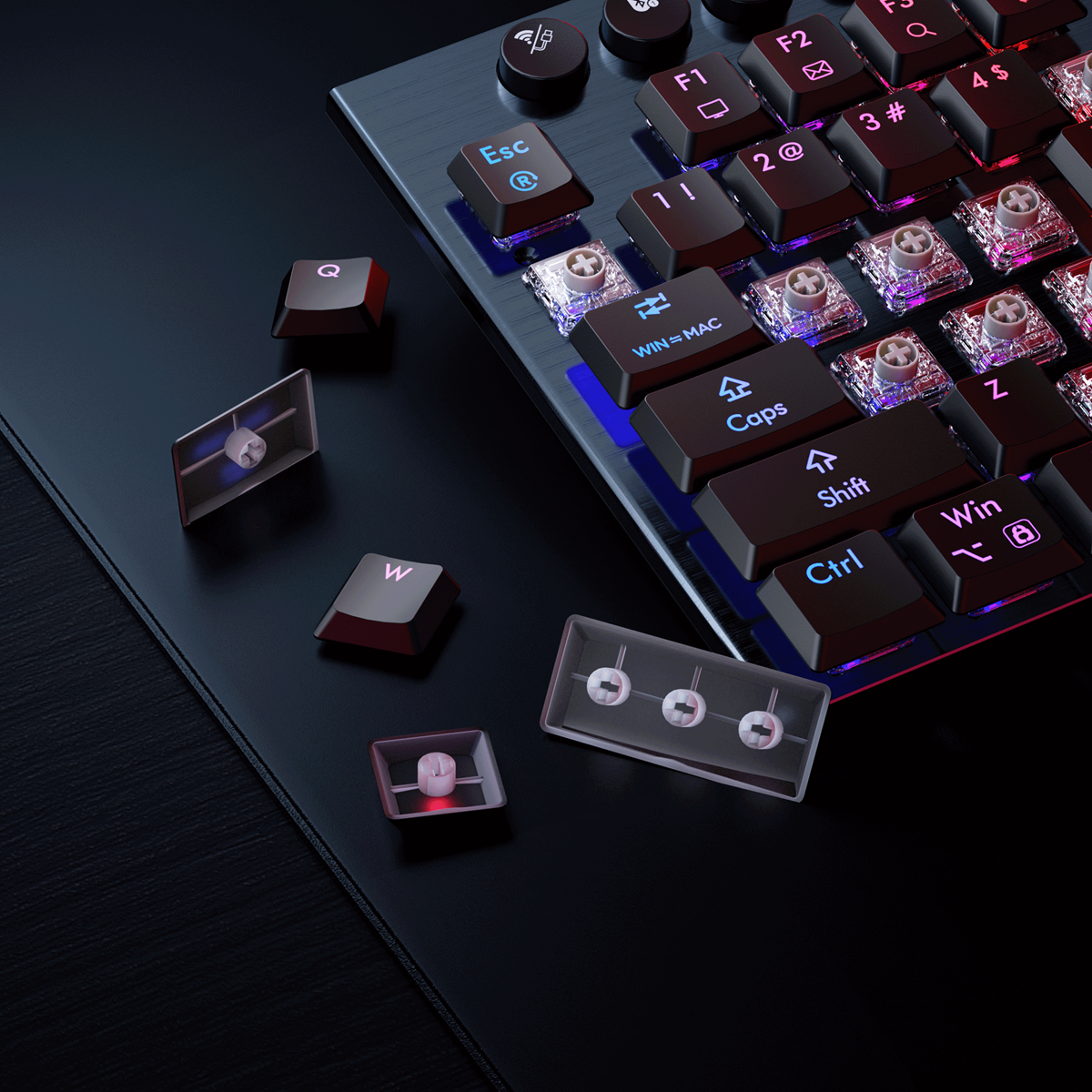
- PBT Keycaps: Choose keycaps made from PBT plastic, which is denser and provides a deeper, lower-pitched sound (a pleasant thock) compared to thin ABS plastic (which tends to create a high-pitched clack).
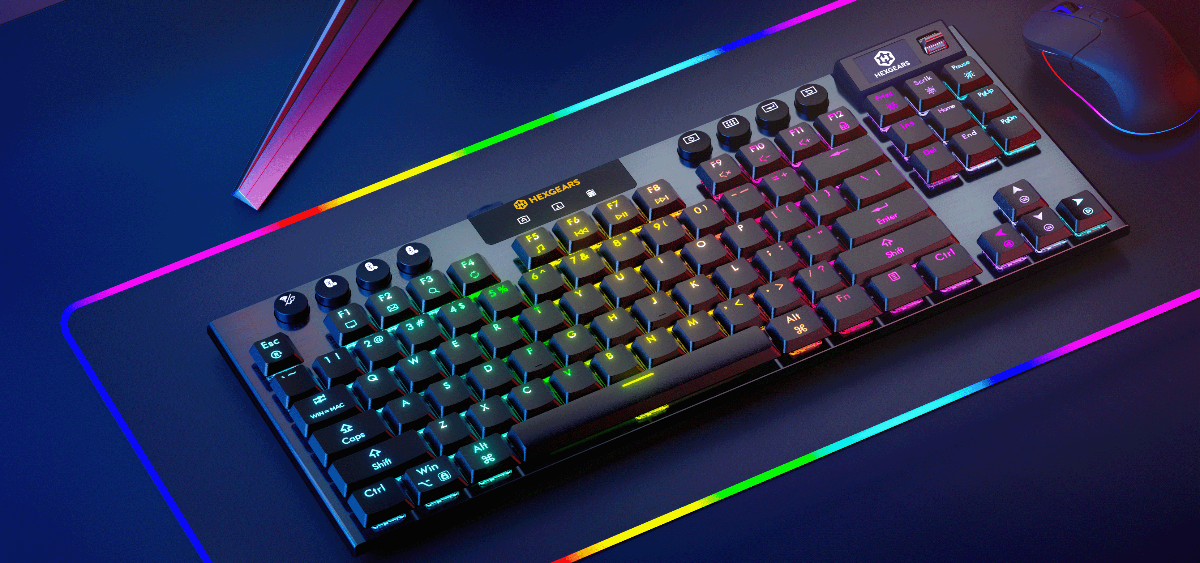
III. Recommended Quiet Keyboard: Hexgears Immersion A3

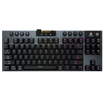
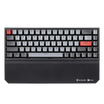
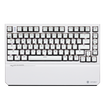
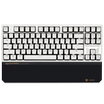
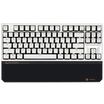
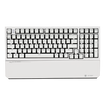
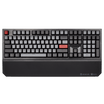
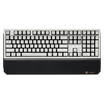
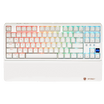
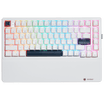
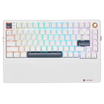
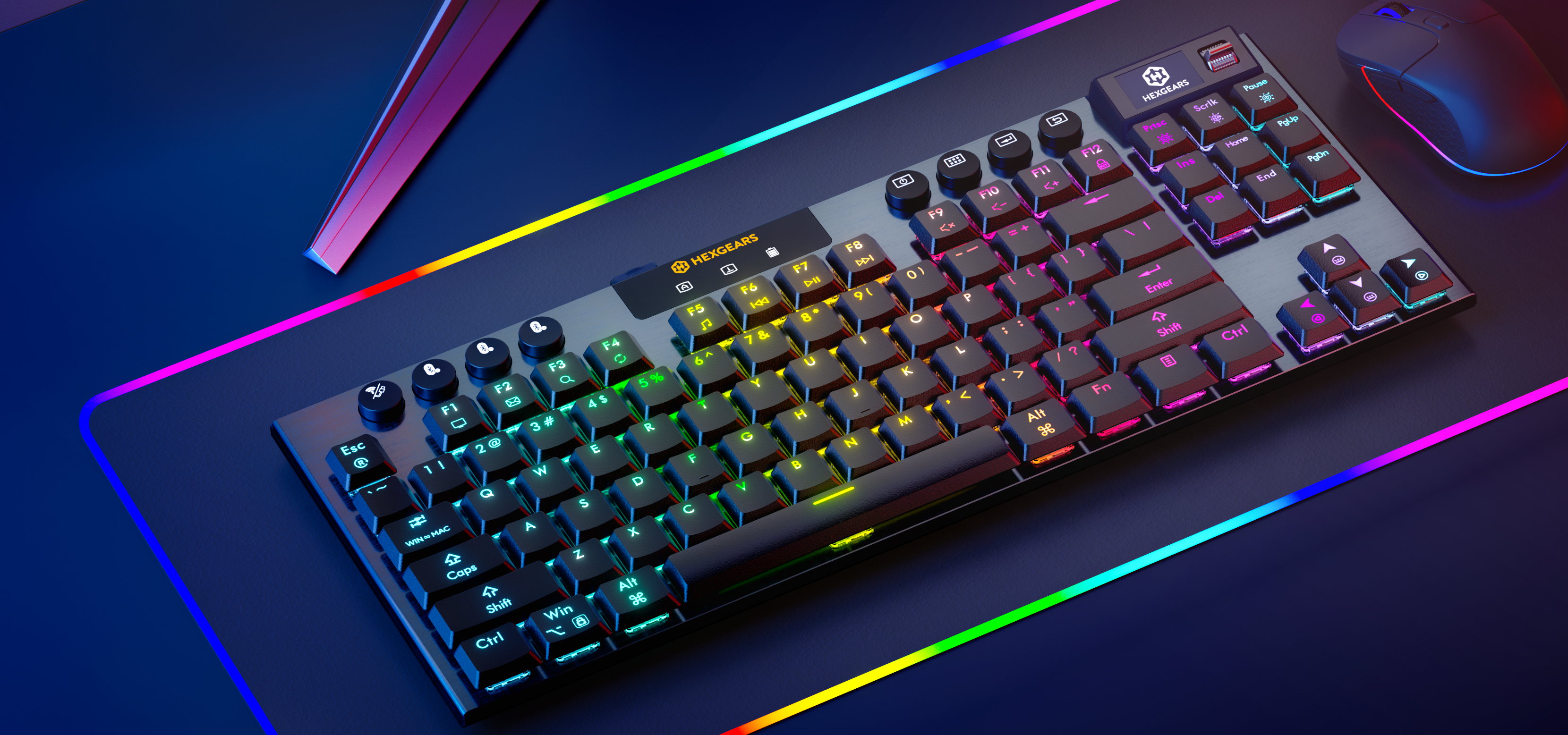
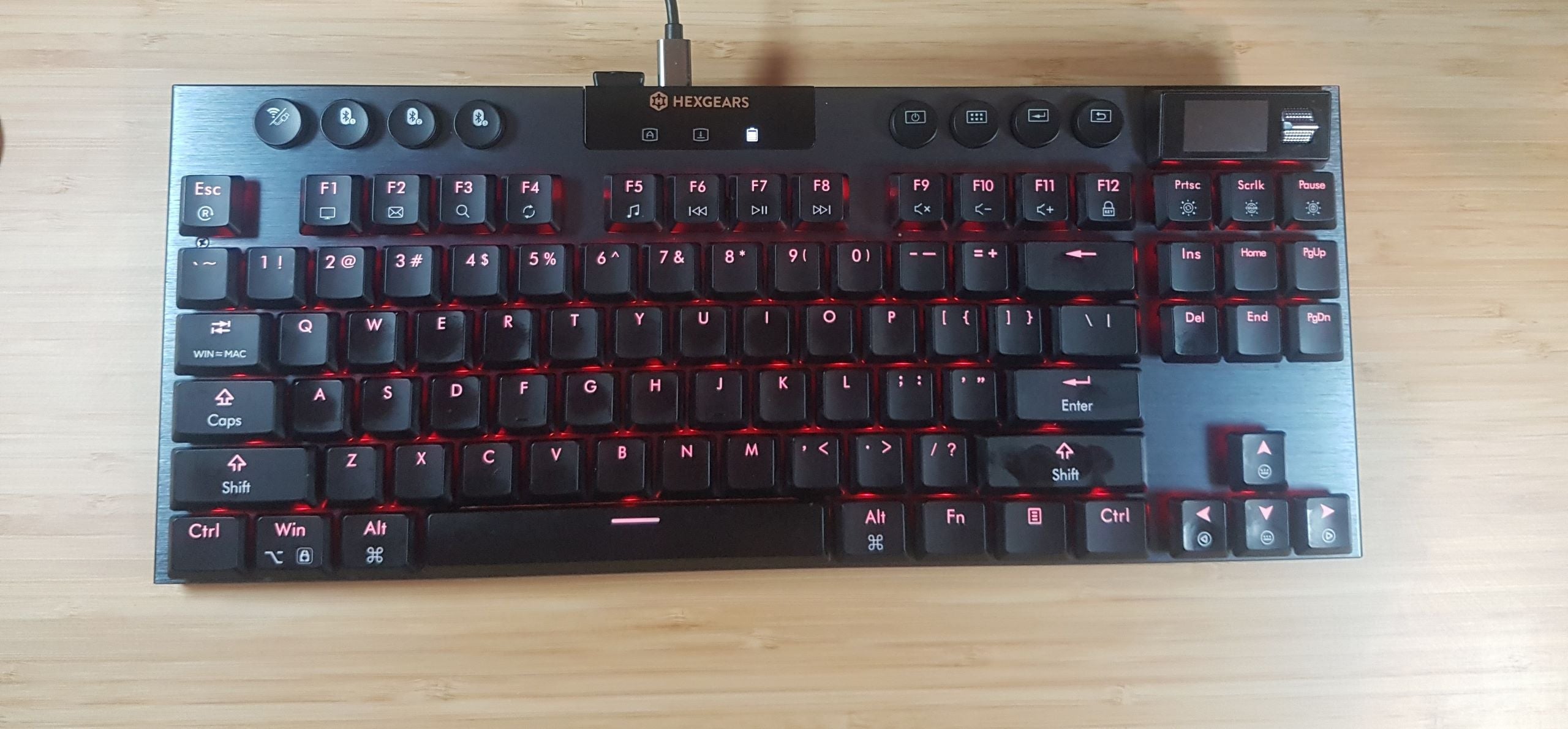
For professionals and coders who demand both a premium feel and absolute silence in the office, the Hexgears Immersion A3 is a standout recommendation, especially when configured with its Linear Silent Switches.
This keyboard leverages the power of a low-profile design combined with premium dampening, making it one of the quietest pre-built mechanical options available.
Why the Hexgears Immersion A3 is Perfect for the Office:
| Feature | Office Benefit | Quiet Mechanism |
| Kaihl Low-Profile Silent Switches | Near-silent operation preserves focus. | Shorter travel distance inherently reduces impact noise, and the integrated dampeners eliminate key noise. |
| TKL (Tenkeyless) Layout | Compact size frees up desk space and improves mouse ergonomics. | No bulky Numpad, keeping the setup streamlined and professional. |
| Tri-Mode Connectivity | Seamlessly switch between work laptop, personal tablet, and desktop. | Command from your game station: Seamlessly switch between various devices – Windows, MacOS, Android - via Bluetooth 5.0, 2.4GHz wireless, & Type-C USB using the dedicated on-board buttons. |
| Long-Lasting Battery | Reliability and clean, wire-free desktop. | Built with a powerful 5,800mAh battery, delivering exceptional uptime for long work sessions. |
Precision and Professionalism
While the Immersion A3 is often marketed for its gaming excellence, its core engineering translates directly to office productivity:
- Precision: The Kaihl® low-profile hot-swappable switches are engineered with a low reset point. For typing and coding, this means rapid, precise key registration with minimal effort, reducing finger fatigue.
- Customization: The HexDrive™ software allows you to easily set specific key configurations and keybindings, essential for repetitive and complex commands in professional software (e.g., coding macros, shortcuts for Excel).
- Aesthetics: While it features RGB lighting (Immersive Lighting™), the Tenkeyless (TKL) form factor and low-profile design maintain a sleek, professional look that fits any corporate environment.
Conclusion
You no longer have to choose between a comfortable, precise typing experience and a silent office environment. By focusing on Silent Switches and a well-engineered design like the Hexgears Immersion A3—which couples low-profile acoustics with robust internal design—you can upgrade your productivity without upsetting your coworkers.

Leave a comment
All comments are moderated before being published.
This site is protected by hCaptcha and the hCaptcha Privacy Policy and Terms of Service apply.