

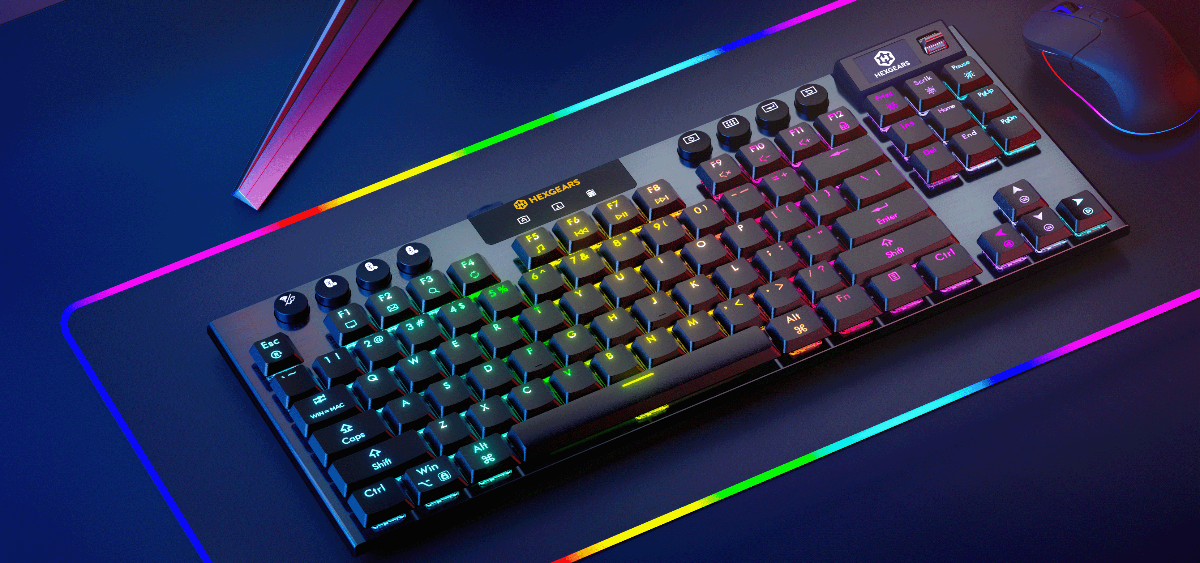
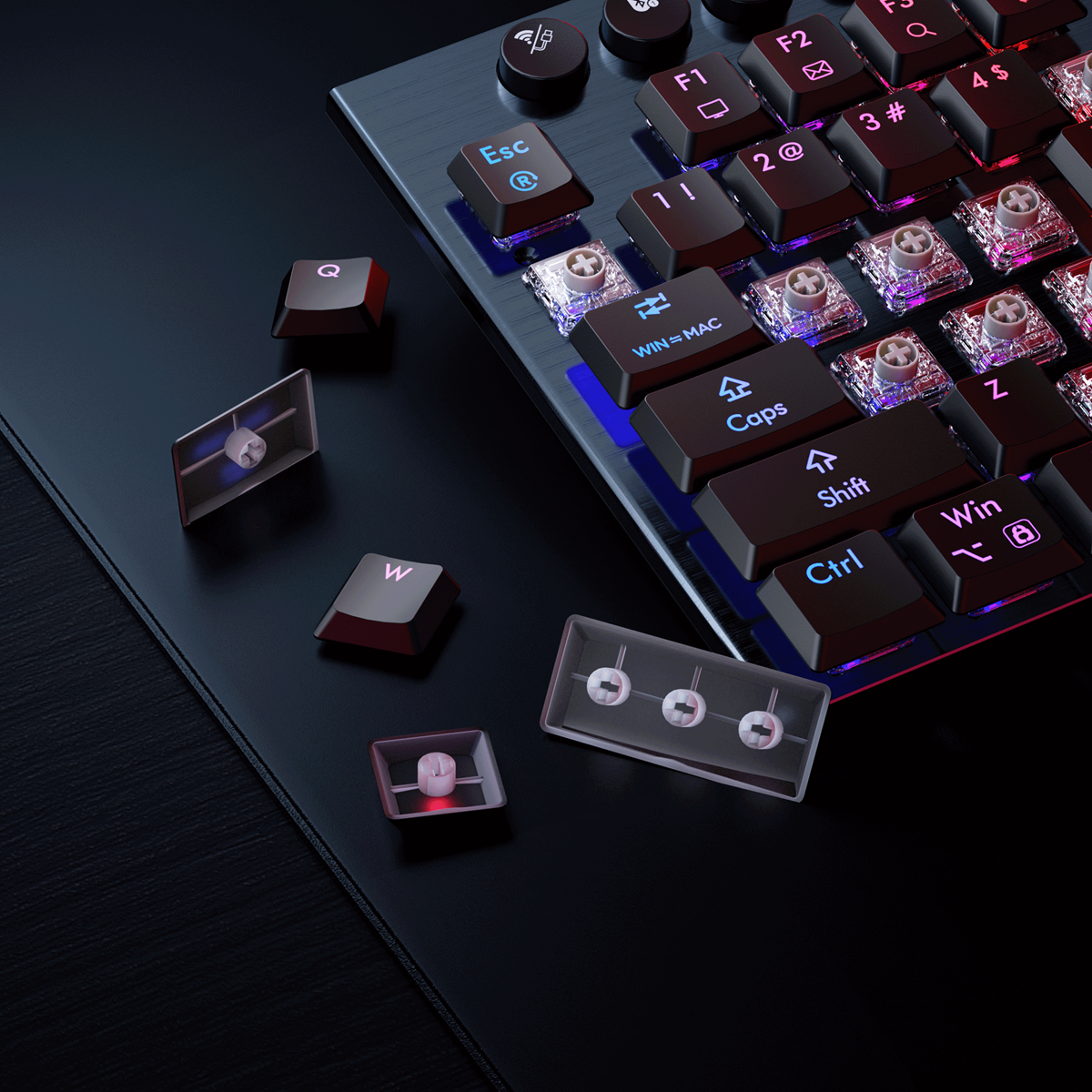
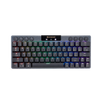
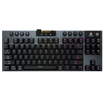
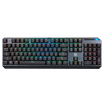
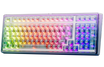

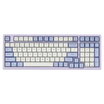
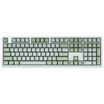
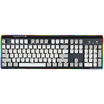
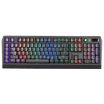
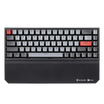
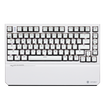
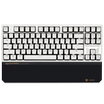
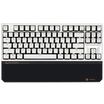
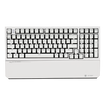
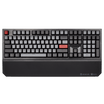
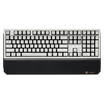
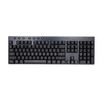

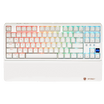
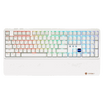
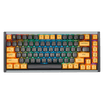
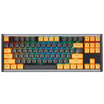
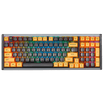
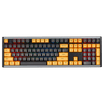
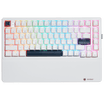
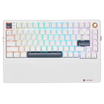
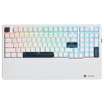
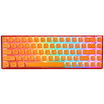


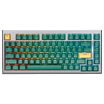
Choosing a gaming keyboard means considering more than switches and RGB lighting. Its layout affects desk space, mouse movement, and access to everyday functions.
A 60% keyboard keeps the main typing keys while reducing the number of dedicated keys. For gamers who want more mouse room and a cleaner desk, it can be an appealing option.
What defines a 60% keyboard, how does it compare with TKL and full-size models, and what should you look for? This guide explains the basics and introduces the Hexgears MX68 with Hall Effect magnetic switch technology.
What Is a 60% Keyboard?
A 60% keyboard is a compact layout focused on the core alphanumeric and modifier keys. Compared with a full-size keyboard, a typical 60% layout removes the number pad, dedicated function row, and separate navigation-key cluster. Some functions can be accessed through Fn key combinations instead.
Layouts vary by model, so check the product's key map before buying. The goal is to keep the main typing area while reducing the keyboard's footprint.
For gamers, that can leave more room for mouse movement. For smaller desks, it can make a setup feel less crowded.
Why Choose a Compact Gaming Keyboard?
More Room for Mouse Movement
Many PC games—especially first-person shooters—require broad mouse movements. A compact keyboard takes up less horizontal space than a TKL or full-size model, potentially leaving more room for a mouse pad and low-sensitivity play.
A Cleaner Desktop
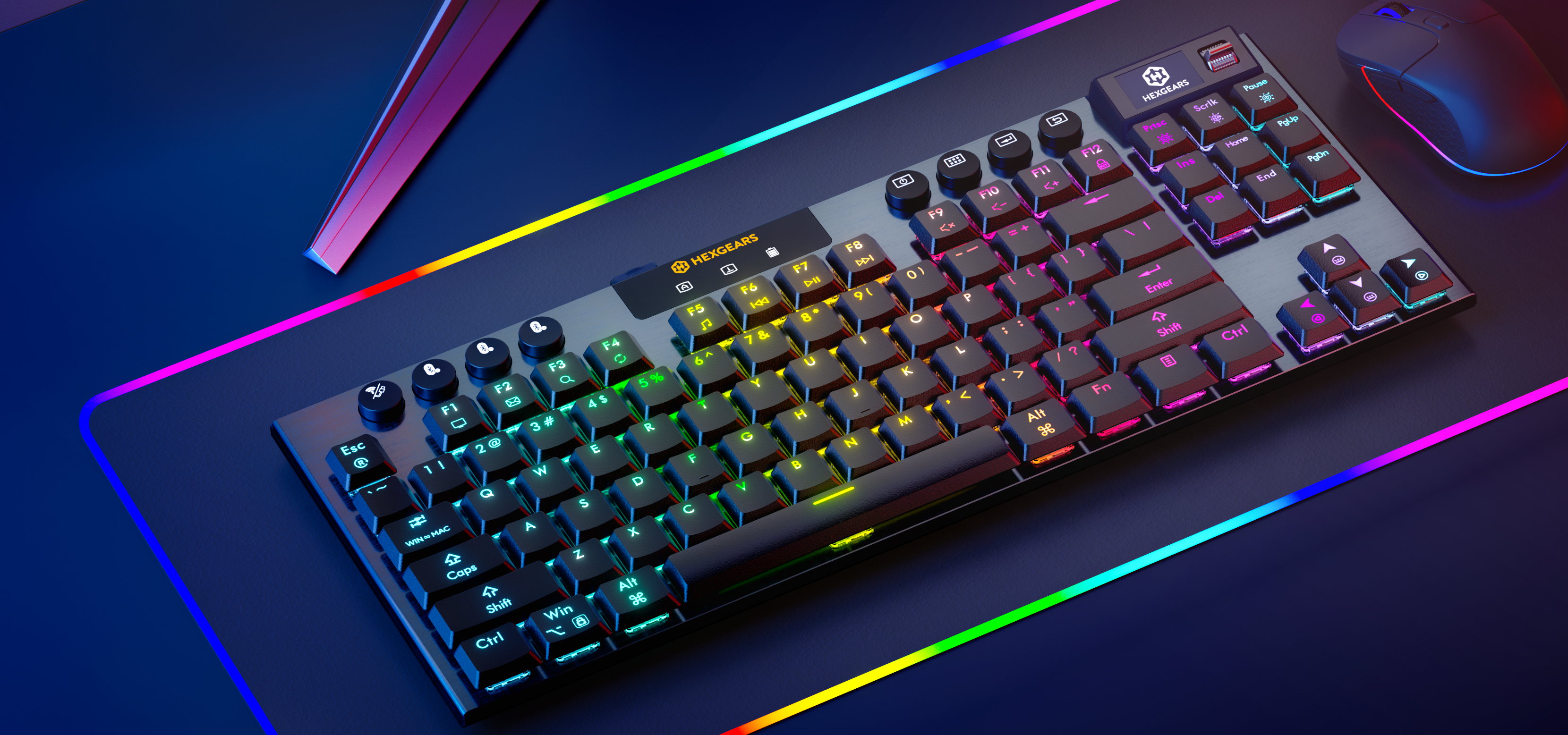
A smaller keyboard leaves extra room for accessories and can help create a minimalist setup, whether you prefer a performance-focused gaming desk or a colorful desktop style.
Essential Keys in a Smaller Footprint
A 60% keyboard retains the main typing area for writing, browsing, chatting, and many games. The trade-off is that some functions may require shortcuts. If you often use a number pad or function row, a larger layout may be more convenient.
60% vs. TKL vs. Full-Size Keyboards
Keyboard size affects desk space and access to dedicated keys. Here is a quick comparison of three common layouts.
|
Feature |
60% Keyboard |
TKL Keyboard |
Full-Size Keyboard |
|
Overall footprint |
Smallest |
Medium |
Largest |
|
Number pad |
No |
No |
Yes |
|
Dedicated function row |
Typically no |
Yes |
Yes |
|
Dedicated arrow keys |
Often not a separate cluster; check the model |
Yes |
Yes |
|
Navigation keys |
Often accessed by shortcuts |
Dedicated keys |
Dedicated keys |
|
Best suited for |
Compact gaming setups |
Gaming and productivity |
Number-heavy work |
Which Layout Is Right for You?
Choose 60% to save desk space and keep your setup minimal. Be ready to learn Fn shortcuts for functions without dedicated keys.
Choose TKL for a balance between size and convenience. A typical tenkeyless keyboard removes the number pad but keeps the function row, arrow keys, and navigation keys.
Choose full-size if you regularly use spreadsheets, enter numbers, or rely on a number pad. It needs more space but offers more dedicated keys.
No layout is best for everyone. Choose based on your games, work, and most-used keys.
What to Look for in a 60% Gaming Keyboard
Switch Technology
Switches affect how a key registers and feels. Traditional mechanical switches generally use physical contacts. Hall Effect magnetic switches detect key movement through changes in a magnetic field and can support advanced input features on compatible keyboards.
Polling Rate, Latency, and Precision
These specifications describe different aspects of input performance. Polling rate is how frequently a keyboard reports its state; latency concerns input response time; precision describes the detail of input detection. They are not interchangeable, and real-world results also depend on your PC, game, and settings.
Typing Feel, Sound, and Customization
Construction, key feel, and sound matter if you use a gaming keyboard for everyday typing too. RGB lighting, configurable settings, and a distinctive frame can also help personalize your setup.
Meet the Hexgears MX68
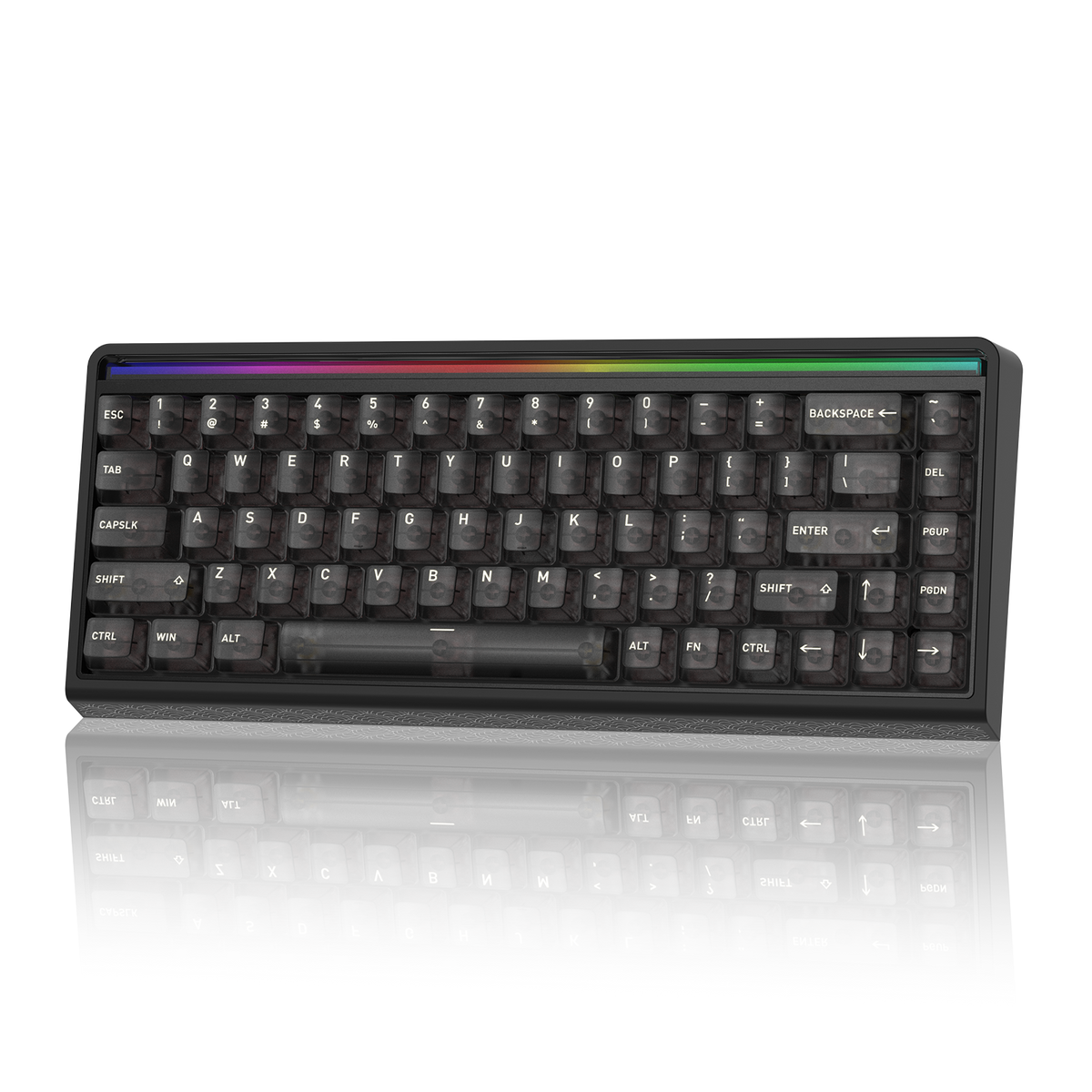
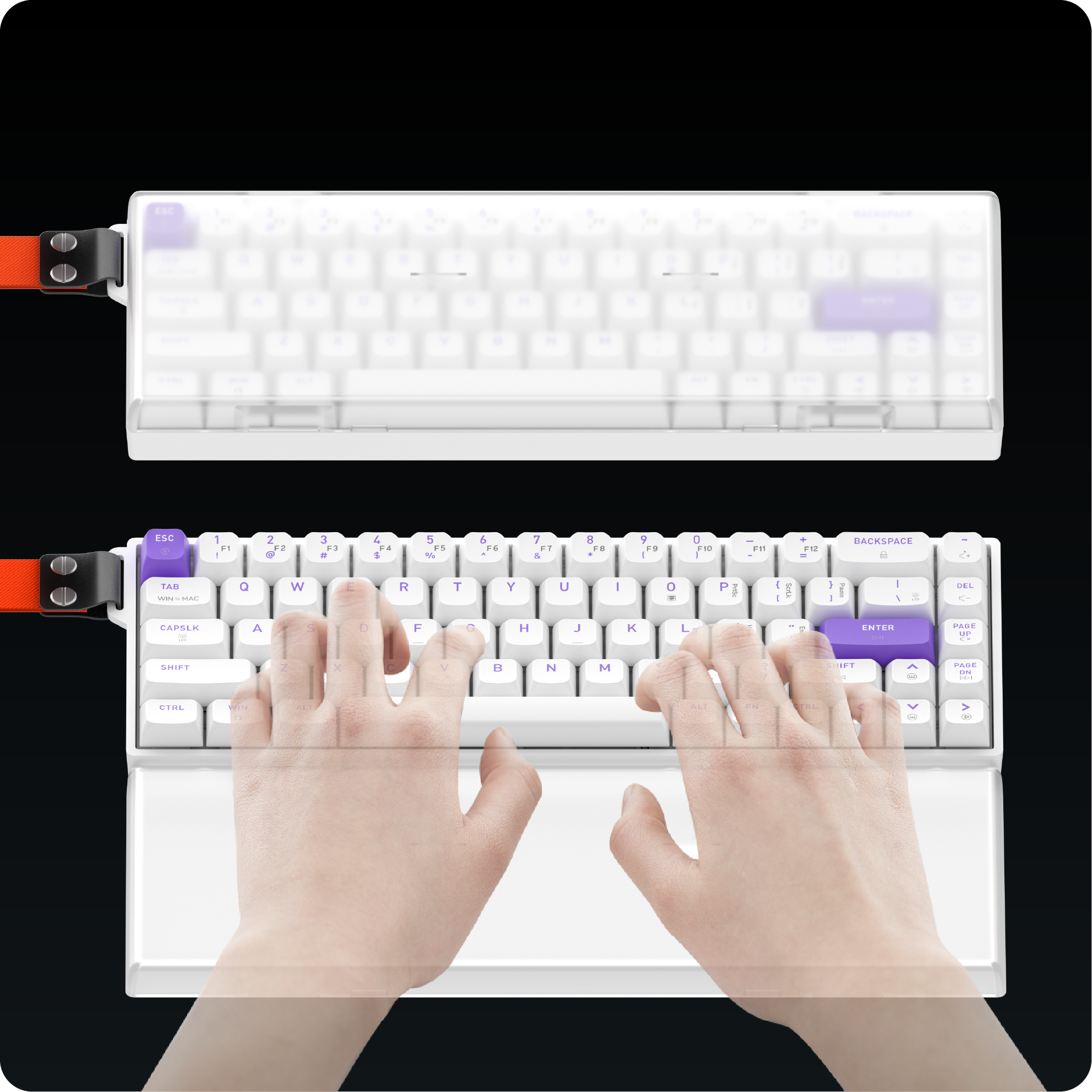
The Hexgears MX68 combines a compact 60% layout with Hall Effect magnetic switches and customization-focused design features.
Kailh Hall Effect Lemon Magnetic Switches
The MX68 features Kailh Hall Effect Lemon Magnetic Switches, with stated precision of 0.01 mm, an 8000 Hz polling rate, and 0.125 ms latency. These specifications target users who value responsive input and fine control. They measure different aspects of performance, and in-game results can vary with system configuration and settings.

Removable Frame Design
The MX68 has a removable frame for a more personalized appearance. Along with its compact footprint, the design can fit different gaming and desktop styles.

Five-Layer Structure and Sound
The MX68 uses a five-layer structure designed with the typing experience in mind. Construction can influence feel and sound, which matters during long gaming or typing sessions. The HiFi-inspired sound profile is another factor to consider based on your preference.

RGB Lighting and Customization
The MX68 supports 16.8 million RGB colors for desktop personalization. It also supports hot-swappable switches and Hexgears software customization, subject to switch compatibility and available software options.
Together, its compact layout, magnetic switch technology, removable frame, layered construction, and RGB lighting make the MX68 worth considering if you want gaming-focused features without a full-size footprint.

Explore the Hexgears MX68 Magnetic Gaming Keyboard
Is a 60% Keyboard Right for You?
A 60% keyboard may suit you if you want more mouse room, prefer a tidy desktop, mainly use core typing keys, and are comfortable with Fn shortcuts.
TKL or full-size may be better if you frequently use a dedicated function row, navigation keys, or number pad. Before buying, check the exact layout, switch type, software options, and connectivity features. The actual key arrangement matters more than the layout label alone.
Frequently Asked Questions
What is a 60% keyboard used for?
It is commonly used for gaming, minimalist desks, and spaces where a smaller footprint is helpful. It keeps the core typing area while reducing dedicated keys.
Is a 60% keyboard good for gaming?
It can be, especially when extra mouse space is useful. The best layout depends on your game, preferred controls, and comfort with shortcuts.
What is the difference between 60% and TKL?
A typical 60% layout is smaller and removes more dedicated key groups. TKL usually removes the number pad but retains the function row, arrow keys, and navigation keys.
Is a 60% keyboard suitable for everyday work?
It can work well for writing, browsing, coding, and general use. People who depend on a number pad or dedicated function keys may prefer a larger keyboard.
Do all 60% keyboards have the same keys?
No. Percentages are general layout categories, not exact universal key counts. Check the manufacturer's layout diagram and specifications before buying.
Final Thoughts
A 60% keyboard prioritizes a compact footprint, while TKL and full-size layouts keep more keys readily available. The right choice depends on your desk, games, and daily workflow.
For gamers interested in magnetic switch technology, the Hexgears MX68 combines Kailh Hall Effect Lemon Magnetic Switches, a high polling rate, precise input detection, a removable frame, a five-layer structure, and customizable RGB lighting.
Explore the Hexgears MX68 to see whether it fits your setup.

Leave a comment
All comments are moderated before being published.
This site is protected by hCaptcha and the hCaptcha Privacy Policy and Terms of Service apply.